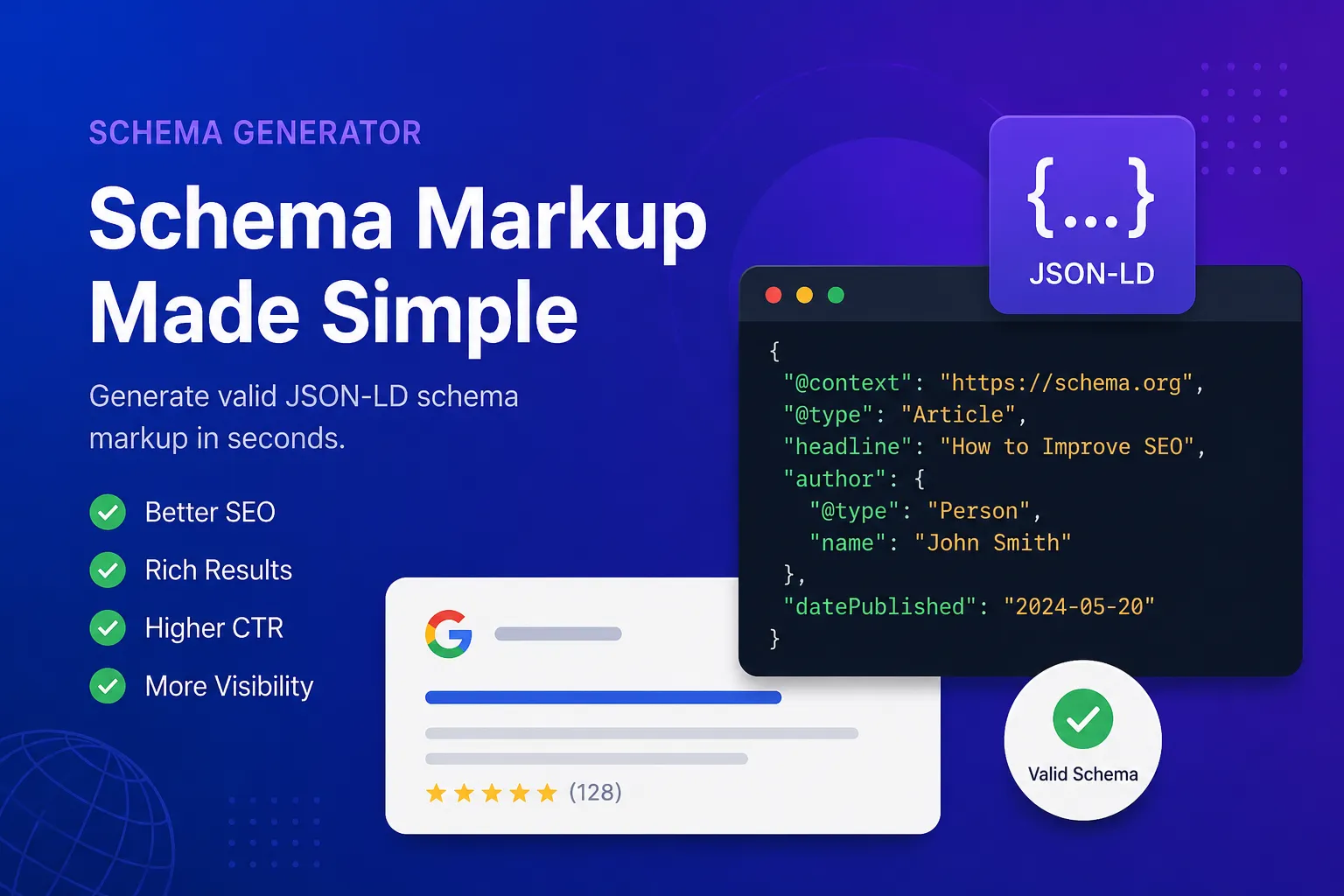
Что такое микроразметка Schema
Микроразметка представляет собой структурированные данные, которые добавляются на сайт.
Этот код подсказывает поисковым роботам, какая именно информация находится на странице.
Например:
- Статья или руководство
- Товар в интернет-магазине
- Местная компания
- Страница вопросов и ответов (FAQ)
- Мероприятие
- Рецепт блюда
Компания Google советует использовать формат JSON-LD для добавления таких данных.
Вот простой пример готового кода:
{ "@context": "https://schema.org", "@type": "Article", "headline": "How to Improve SEO", "author": { "@type": "Person", "name": "John Smith" }}
Поисковые системы считывают этот блок, чтобы точнее классифицировать ваш контент.
Почему разметка важна для SEO
Сама по себе разметка не поднимет ваш сайт на первое место в поиске автоматически.
Однако она заметно улучшает внешний вид страниц в поисковой выдаче.
Внедрение микроразметки дает сайту важные преимущества:
- Страницы становятся заметнее в выдаче.
- Повышается кликабельность (CTR) сниппета.
- Растет доверие пользователей.
- В поиске появляются привлекательные расширенные результаты.
Многие специалисты отмечают рост переходов на сайт после добавления разметки.
В эпоху активного развития поиска на базе искусственного интеллекта структурированные данные становятся еще более важным фактором оптимизации.
Что делает генератор микроразметки от SimpleClickLab
Этот инструмент избавляет от необходимости писать сложный код вручную.
Вы просто выбираете нужный тип разметки, заполняете готовые поля и копируете полученный результат.
Для работы не понадобятся специальные плагины или навыки программирования.
Популярные типы разметки в генераторе
Для большинства сайтов достаточно использовать несколько основных форматов.
Разметка статьи (Article)
Этот тип отлично подходит для следующих материалов:
- Записи в блоге
- Новостные публикации
- Пошаговые инструкции
Код помогает поисковикам правильно определить автора, заголовок публикации, дату выхода и обложку.
Разметка вопросов и ответов (FAQ)
Решение для разделов с часто задаваемыми вопросами.
Иногда это позволяет показывать раскрывающиеся списки с ответами прямо на странице результатов поиска.
Разметка товара (Product)
Этот формат полезен для интернет-магазинов.
В код разметки можно включить:
- Стоимость товара
- Наличие на складе
- Оценки пользователей
- Отзывы покупателей
Разметка компании (Local Business)
Важный элемент для продвижения локального бизнеса в конкретном городе.
В разметку можно добавить следующие данные:
- Название компании
- Физический адрес офиса или магазина
- Контактный телефон
- Часы работы
Разметка инструкций (How-To)
Подходит для любых пошаговых руководств.
Этот формат часто используют на кулинарных сайтах, порталах о ремонте и образовательных ресурсах.
В чем преимущества формата JSON-LD
Старые форматы вроде Microdata неудобно поддерживать и обновлять.
Код JSON-LD устроен гораздо проще, так как он размещается в отдельном скрипте.
Использование JSON-LD дает много плюсов:
- Упрощается редактирование данных.
- Снижается вероятность ошибок в верстке.
- Код внедряется быстрее и легче.
- HTML-код страницы остается чистым.
По этой причине большинство современных веб-ресурсов выбирают именно этот стандарт.
Как пользоваться генератором
Создание разметки состоит из простых шагов.
Шаг 1. Выберите подходящий тип данных
Выберите формат, который соответствует вашей странице.
Примеры вариантов:
- Статья
- Страница вопросов и ответов (FAQ)
- Товар
- Событие
- Организация
Шаг 2. Заполните текстовые поля
Укажите необходимую информацию в полях ввода.
Обычно запрашиваются следующие данные:
- Заголовок страницы
- Описание контента
- Адрес ссылки (URL)
- Имя автора
- Изображения
- Оценки пользователей
Шаг 3. Скопируйте готовый код
Инструмент мгновенно генерирует разметку JSON-LD. Вам нужно просто нажать кнопку копирования.
Шаг 4. Вставьте разметку на сайт
Добавьте полученный код в HTML-код вашей страницы.
Чаще всего код размещают в контейнере head или перед закрывающим тегом body.
Обязательно проверяйте код
Даже качественную разметку стоит протестировать перед запуском.
После генерации кода проверьте его в официальном валидаторе расширенных результатов от Google.
Тестирование помогает обнаружить:
- Незаполненные обязательные поля
- Ошибки форматирования
- Неподдерживаемые свойства
Даже мелкие опечатки могут помешать появлению красивого сниппета в поиске.
Кому пригодится генератор микроразметки
Инструмент будет полезен владельцам практически любых сайтов.
Особенно часто его используют:
- Блогеры и авторы статей
- Специалисты по продвижению сайтов (SEO)
- Интернет-магазины
- Компании сферы SaaS
- Digital-агентства
- Местные компании
- Партнерские проекты
Если вы размещаете контент в интернете, микроразметка поможет поисковикам быстрее проиндексировать страницы.
Распространенные ошибки при разметке
Накрутка отзывов
Если добавить несуществующие оценки, поисковые системы могут исключить сайт из выдачи или наложить санкции.
Выбор неподходящего типа данных
Не стоит использовать разметку товара для обычного блога. Выбирайте только те форматы, которые соответствуют содержанию страницы.
Пропуск обязательных полей
У некоторых типов разметки есть обязательные свойства. Без них код будет считаться невалидным.
Использование устаревших примеров
Стандарты разметки регулярно обновляются. Рекомендуется использовать современные генераторы и обязательно проверять полученный код.
Заключение
Раньше внедрение разметки требовало технических знаний. Теперь этот процесс занимает не больше пары минут.
Генератор Schema от SimpleClickLab подходит как для новичков, так и для опытных SEO-специалистов. Это отличный способ улучшить видимость сайта в поиске без установки тяжелых плагинов и ручного написания кода.
FAQ
•Что такое микроразметка?
Это структурированные данные, которые добавляются на веб-страницу. Они помогают поисковым системам лучше понять содержание контента.
•Что такое JSON-LD?
Это удобный формат для внедрения структурированных данных. Поисковые системы рекомендуют его, потому что такой код проще редактировать и он не засоряет общую верстку сайта.
•Какую пользу приносит разметка для SEO?
Она улучшает внешний вид страниц в поиске. Благодаря ей в сниппете могут выводиться рейтинги, вопросы и ответы, цены товаров или даты событий.
•Для чего нужен генератор от SimpleClickLab?
Инструмент помогает за несколько секунд создать правильный и готовый к работе код разметки без ручного программирования.
•Какие форматы разметки поддерживает конструктор?
С помощью генератора можно сделать разметку для статей, разделов вопросов и ответов (FAQ), карточек товаров, местных компаний, событий и организаций.
•Как вставить готовую разметку на страницу?
Скопируйте полученный код JSON-LD и добавьте его в код страницы. Обычно его размещают в заголовке head или в самом конце перед закрывающим тегом body.
•Нужно ли тестировать полученный код?
Да. Рекомендуется проверить готовую разметку в валидаторе Google, чтобы убедиться в отсутствии синтаксических ошибок.
•Помогает ли разметка поднять позиции сайта?
Она не влияет на позиции напрямую. Но за счет красивого сниппета повышается кликабельность, что приводит на сайт больше посетителей.