Free Online Schema.org Validator
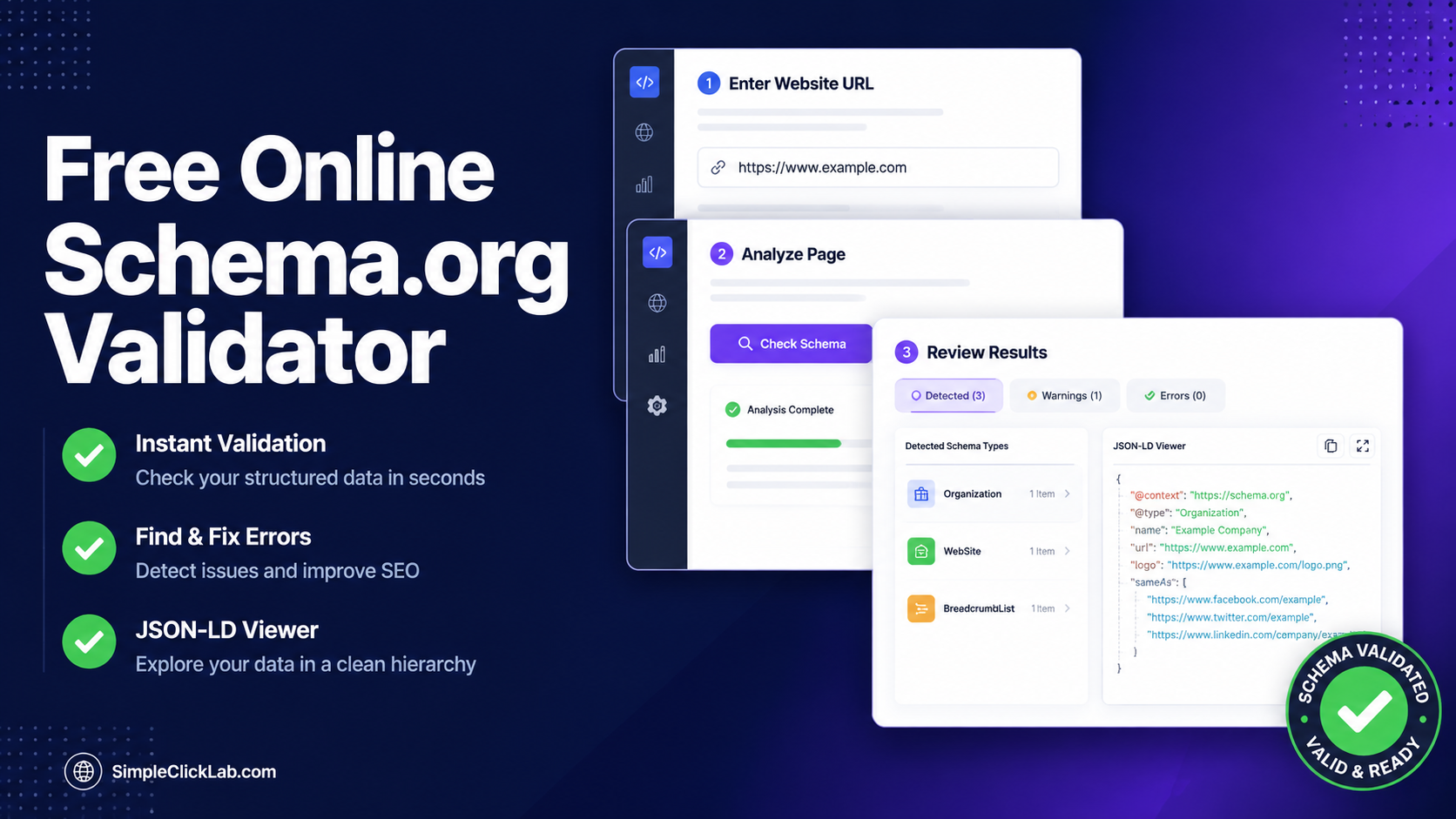
Free online tool to extract and validate Schema.org structured data (JSON-LD) from any website.
Initializing Module
Optimizing assets and preparing high-fidelity workspace...
What is Free Online Schema.org Validator?
Verify that your structured data complies with search engines by auditing JSON-LD schemas embedded in your web pages. Proper validator checks prevent rendering issues.
Search spiders silently ignore microdata with broken commas, missing properties, or invalid tags. Finding these errors in raw HTML source code is slow and frustrating.
SimpleClickLab's Free Online Schema.org Validator extracts and inspects structured data from any public web page. It offers a fast, visual schema checking tool.
Enter the URL of any website to parse its HTML code. The crawler isolates all JSON-LD script blocks and displays them in an organized hierarchical tree view.
Verify entity attributes like ratings, dates, author names, and product prices at a glance. Troubleshoot syntax issues quickly to secure your Google rich snippets.
Run safe web schema audits with secure parsing interfaces. The validator inspects public URLs dynamically, keeping your crawl history and site parameters completely private.
Key Features
- One-click URL crawler: easily fetch and extract all JSON-LD structured data blocks from any public web page
- Visual entity inspector: organizes parsed schema tags in a clean hierarchical tree view for easy property reading
- Multi-schema support: extracts and parses FAQPage, Article, Product, Organization, and local business scripts simultaneously
- Dynamic syntax debugging: flags malformed brackets and missing properties immediately inside the visual dashboard
- Integrated code explorer: view raw JSON-LD markup blocks directly alongside visual trees
- 100% free developer workbench: no daily crawl limitations, zero subscription paywalls, and instant results
Common Use Cases
- Technical SEO specialists auditing client websites to verify if schema tags are rendering correctly
- Frontend developers validating if CMS templates are outputting correct dynamic JSON-LD properties on blog posts
- E-commerce managers verifying product schema variables (like availability, currency, or review stars) are parsed correctly
- Digital marketers inspecting competitor web pages to analyze their structured data architecture
- Students and junior developers exploring real-world implementations of Schema.org contexts on top authority sites
Your data never leaves your browser
Audit your website structured data with this live URL inspector. It pulls all JSON-LD blocks directly from any web page so you can verify entity types and property values without digging through source code. Essential for troubleshooting rich snippets and improving search engine visibility through correct schema implementation.
How to use it
Enter Website URL
Paste the full URL of the web page you want to analyze into the input field.
Analyze Page
Click the 'Check Schema' button to fetch the page and extract its structured data.
Review Results
Inspect the discovered JSON-LD blocks. Use the built-in viewer to see the hierarchical structure of the data.
FAQ
?What types of schema can this tool detect?
This tool currently extracts all JSON-LD (JavaScript Object Notation for Linked Data) blocks, which is the format recommended by Google.
?Does it validate against Google's guidelines?
It extracts the raw data so you can verify if all necessary properties are present. For official Google Search Console validation, we recommend using Google's Rich Results Test after basic inspection here.
?Can I use it for local development?
Currently, the tool requires a publicly accessible URL to fetch the data. For local sites, you can copy-paste your code into our Schema Generator tool instead.
Need a custom tool?
We're constantly adding new tools. Suggest one or report a bug.
Related Tools You Might Need
Free Online Schema.org JSON-LD Generator
Free online create valid JSON-LD structured data markup for Articles, FAQs, Local Businesses, and Products to boost your SEO.
Free Online LLMs.txt Generator
Create an llms.txt file to guide AI models and LLMs in understanding your website and documentation.
Free Online Sitemap XML Generator
Free online instantly create a valid sitemap.xml file from a list of URLs to submit to Google and Bing.
Free Online JSON Formatter & Validator
Free online tool to beautify, minify and validate JSON code with syntax error detection.
Free Online URL Slug Generator
Free online tool to turn article headlines into clean, SEO-friendly URL slugs with robust multi-language transliteration.
Free Online Word & Character Counter
Free online text analyzer to count words, characters, sentences, and accurately estimate reading time.