Free Online Text Toolkit — Clean, Analyze & Transform Text
The all-in-one text powerhouse: live stats, case conversion, PDF fix, space cleaning, duplicate removal — all 100% in your browser. No data sent to servers.
Initializing Module
Optimizing assets and preparing high-fidelity workspace...
What is Free Online Text Toolkit — Clean, Analyze & Transform Text?
Writing, editing, and formatting text is often a messy process. Whether you are dealing with broken lines from PDFs, multiple spaces from raw exports, or duplicate entries, manual cleanup is painful.
Pasting private contracts, creative outlines, or internal server logs into generic online tools also exposes you to data leaks. Many sites log your inputs or store drafts on remote databases.
SimpleClickLab's Text Toolkit solves both issues with a private, client-side editor. Running entirely in your local browser sandbox, it formats text without sending any data over the web.
Calculate word counts, character lengths, and reading times instantly in the live stats bar. Convert letter cases from lowercase to UPPERCASE, Title Case, camelCase, snake_case, or kebab-case.
Clean up messy layouts by stripping empty lines, collapsing multiple spaces, and removing duplicates. Use our custom "Fix PDF" button to merge split lines back into readable paragraphs.
Experiment freely using the local 20-step undo history to revert changes instantly. It is the perfect offline tool for security-minded writers, developers, and corporate professionals.
Key Features
- Comprehensive text analysis: live word, character, sentence, paragraph, and reading time stats
- Smart PDF formatter: automatically repairs broken line-wrapped text while preserving paragraphs
- One-click case converters (UPPER, lower, Title Case, camelCase, snake_case, kebab-case)
- Clean-up utilities: remove empty lines, collapse spaces, strip whitespace, remove duplicate entries
- Unification tools: merge paragraphs into one single line or join texts instantly
- Unlimited local session history: step backward and forward through changes with dynamic Undo
- 100% secure: runs entirely on client side, ensuring total privacy for sensitive and legal text
Common Use Cases
- Content creators and copywriters formatting and checking drafts for publication
- Students and researchers cleaning up messy text copies and citations extracted from PDFs
- Software developers formatting variable styles (e.g. converting keys to snake_case or camelCase)
- Data analysts and engineers removing duplicate lines and empty entries from data lists
- Legal and corporate professionals editing sensitive documents that cannot be uploaded to the cloud
Your data never leaves your browser
Text Toolkit is a privacy-first, all-in-one text processing powerhouse that runs entirely in your browser. Instantly see live stats (words, characters, reading time), convert case formats (UPPER, lower, Title, camelCase, snake_case, kebab-case), clean messy text from PDFs, remove duplicate lines, collapse whitespace, and merge paragraphs. Your content never leaves your machine — making it safe for confidential documents, legal text, and sensitive data.
How to use it
Paste or Type Your Text
Drop any text into the workspace — even messy PDF exports or HTML content. It's automatically stripped to plain text.
Analyze in Real-Time
The live stats bar instantly shows you word count, character counts, estimated reading time, paragraphs, and sentences as you type.
Clean & Transform
Hit any action button — fix PDF line breaks, collapse spaces, convert case, remove duplicates, or merge everything into one line.
Undo & Copy
Every operation is undoable. Once you're happy with the result, copy the clean text to your clipboard in one click.
FAQ
?Is this tool completely free and private?
Yes. All processing happens locally in your browser using JavaScript. No text is ever sent to any server, making it safe for confidential, legal, or sensitive documents.
?What does 'Fix PDF' actually do?
PDFs hard-wrap every visual line with a newline character. 'Fix PDF' joins those broken lines into proper paragraphs while preserving the real paragraph breaks (double newlines).
?How does the Undo feature work?
Every time you apply a transformation, the previous state is saved to a history stack (up to 20 steps). Click Undo to step back through your changes one at a time.
?What does 'Remove Duplicate Lines' do?
It scans your text line by line and removes any exact duplicate lines, keeping only the first occurrence. Extremely useful for cleaning up lists, logs, or merged data.
?Can it handle large documents?
Absolutely. Since everything runs in your browser with no network round-trips, performance scales directly with your device. Most modern computers can handle books or very large files without issue.
Need a custom tool?
We're constantly adding new tools. Suggest one or report a bug.
Related Tools You Might Need
Free Online Word & Character Counter
Free online text analyzer to count words, characters, sentences, and accurately estimate reading time.
Free Online Text Diff Checker
Free online tool to compare two text or code snippets side-by-side and highlight differences instantly.
Free Online Text Case Converter
Free online formatting tool to quickly convert text between UPPERCASE, lowercase, camelCase, snake_case, and more.
Free Online JSON Formatter & Validator
Free online tool to beautify, minify and validate JSON code with syntax error detection.
Free Online Lorem Ipsum Generator
Free online tool to generate standard dummy text (Lorem Ipsum) for your designs and mockups.
Free Online Readability Score Checker
Free online tool to analyze text readability using Flesch, Gunning Fog, and SMOG indices.
Learn More: Related Articles
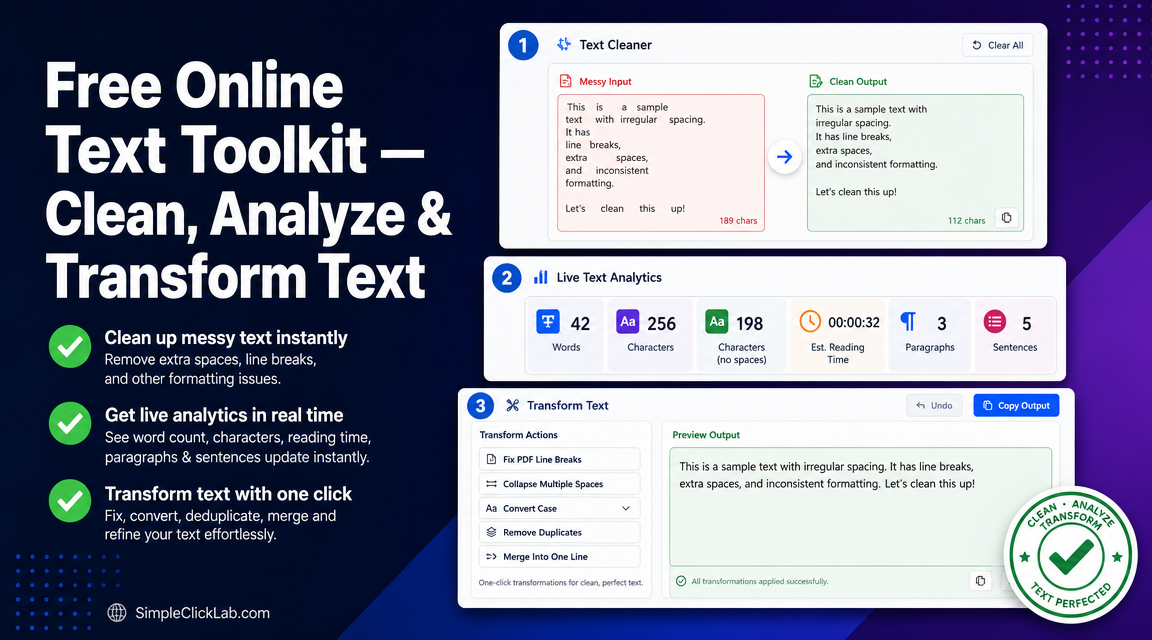
Free Online Text Toolkit to Clean PDF Text Fast
Remove line breaks from PDF copy, collapse spaces, convert text case, and clean pasted text for CMS instantly and for free with SimpleClickLab's Text Toolkit.
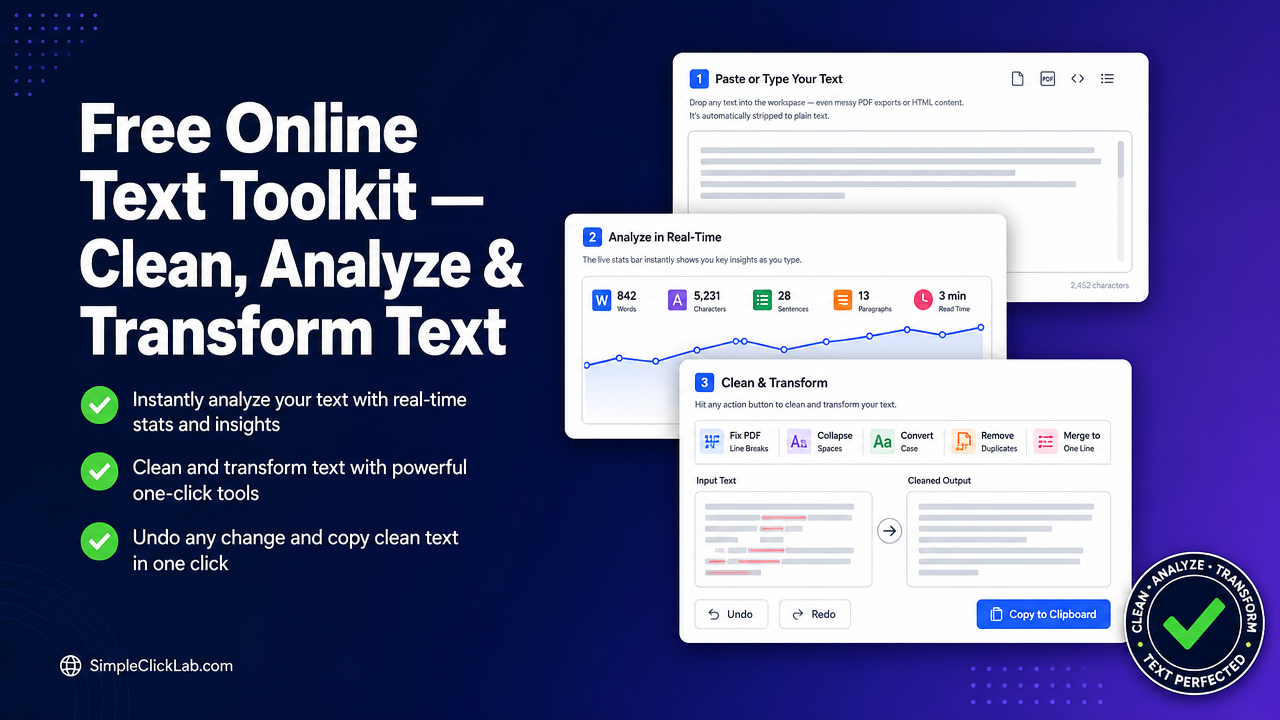
Free Online Text Toolkit: Clean, Fix PDF Line Breaks, Count Words & Convert Text Case
Optimize your text with a free online text cleaner and analyzer offering PDF line break fixes, word and character counts, case conversion, and duplicate line removal—all running 100% in-browser with undo support.