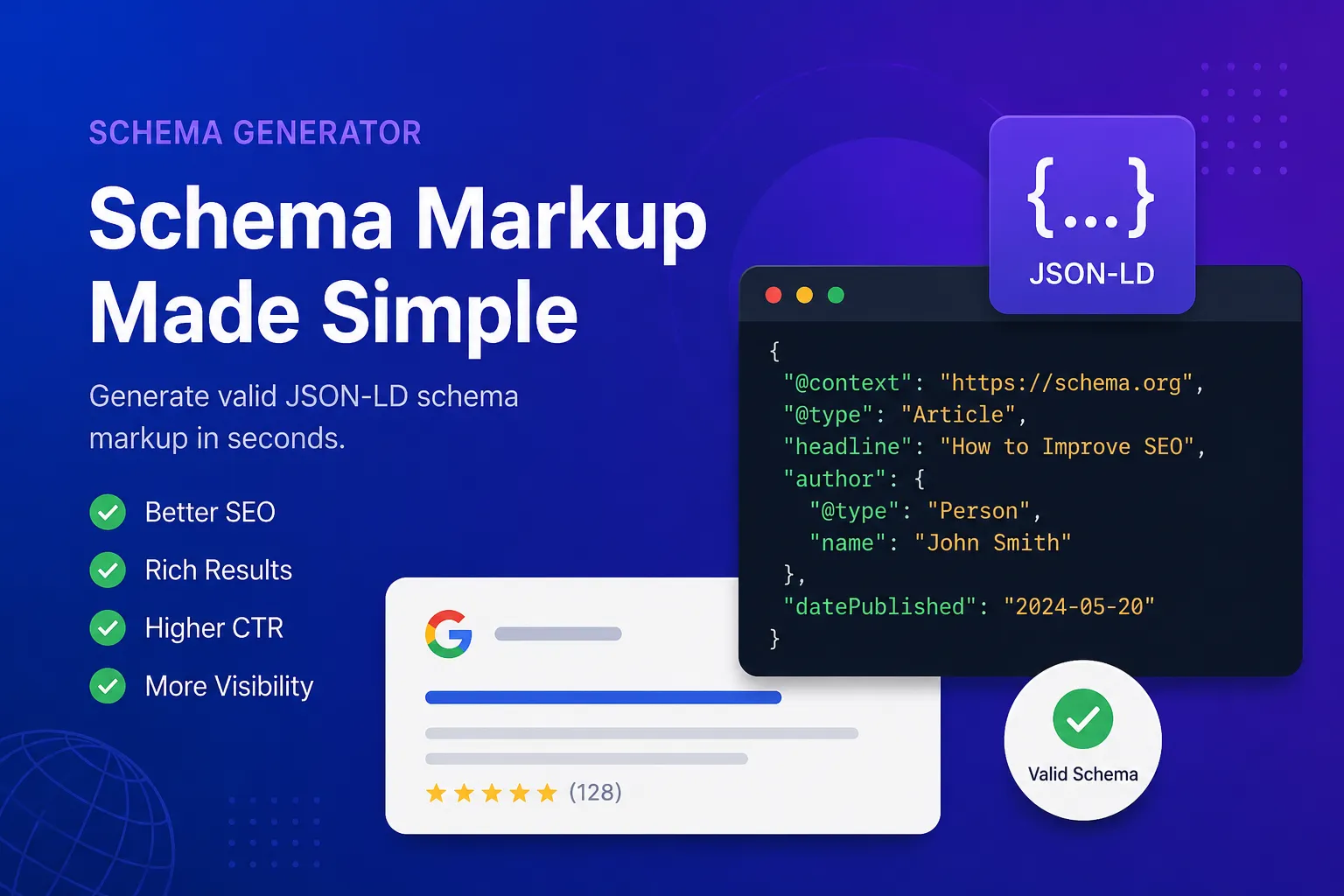
Free Online Schema.org JSON-LD Generator
Free online create valid JSON-LD structured data markup for Articles, FAQs, Local Businesses, and Products to boost your SEO.
Initializing Module
Optimizing assets and preparing high-fidelity workspace...
What is Free Online Schema.org JSON-LD Generator?
Boost your search engine visibility by generating valid Schema.org structured data to help search bots understand your content. Implementing correct JSON-LD markup is key for modern search engines.
Writing complex JSON-LD markup manually is highly error-prone. A single syntax mistake, such as a missing comma or incorrect brackets, can invalidate the schema, causing crawler warnings.
SimpleClickLab's Free Online Schema.org JSON-LD Generator creates flawless structured data in real time. It offers an intuitive visual builder that handles all syntax rules automatically.
Choose from popular schema templates like FAQPage, Article, LocalBusiness, and Product. The compiler generates valid code and structure dynamically as you fill out the fields.
Copy the structured data script and paste it into your HTML header. This qualifies your pages for Google Rich Snippets, FAQ accordions, ratings, and interactive search results.
Protect your business assets and metadata with client-side code generation. Your input parameters remain inside your browser tab, keeping your SEO strategies and content drafts completely private.
Key Features
- Diverse schema templates: visually generate optimized JSON-LD scripts for Articles, FAQPages, LocalBusinesses, and Products
- Real-time visual compiler: watch your nested JSON-LD structure generate dynamically as you complete the input fields
- Automated tag encapsulation: wraps your schema in standard `<script type="application/ld+json">` elements ready for quick embedding
- Smart validator integration: compiles perfectly formatted outputs that comply with Google Rich Results test specs
- One-click copy-to-clipboard action with visual active state confirmations for rapid developer flows
- 100% browser-based security: runs fully offline and keeps your product and site structures completely private
Common Use Cases
- SEO professionals crafting valid FAQPage scripts to win visual search accordion real estate in SERPs
- Content editors creating detailed Article schema templates to boost Google Discover and News indexation speeds
- Local business owners structuring address details, contact numbers, and maps for local map pack rankings
- E-commerce managers generating rich Product schema markup including pricing, stock statuses, and star ratings
- Web design students learning about JSON-LD, schema entities, semantic markup, and search crawl patterns
Your data never leaves your browser
Create valid JSON-LD markup to boost your search engine performance. This visual builder generates clean code for FAQs, Articles, and Products without requiring technical knowledge of Schema.org syntax. Proper structured data implementation increases your chances of earning rich snippets in Google search results.
How to use it
Select a Schema Type
Choose the type of structured data you want to create from the dropdown menu (e.g., FAQPage, Article).
Fill in the Details
Complete the form fields with your content. Add multiple items if necessary (like multiple FAQ questions).
Copy the Code
The JSON-LD code is generated in real-time. Copy it and paste it directly into the <head> or <body> of your HTML document.
FAQ
?What is JSON-LD?
JSON-LD (JavaScript Object Notation for Linked Data) is a method of encoding Linked Data using JSON. It is Google's recommended format for adding structured data to web pages.
?Why do I need structured data?
Structured data helps search engines understand the context of your content, which can lead to enhanced search results (Rich Snippets) like star ratings, FAQ accordions, and knowledge panels.
?Where do I paste the generated code?
You should place the generated <script type="application/ld+json"> block into the <head> section of your HTML, though it also works if placed in the <body>.
Need a custom tool?
We're constantly adding new tools. Suggest one or report a bug.
Related Tools You Might Need
Free Online Schema.org Validator
Free online tool to extract and validate Schema.org structured data (JSON-LD) from any website.
Free Online Sitemap XML Generator
Free online instantly create a valid sitemap.xml file from a list of URLs to submit to Google and Bing.
Free Online LLMs.txt Generator
Create an llms.txt file to guide AI models and LLMs in understanding your website and documentation.
Free Online URL Slug Generator
Free online tool to turn article headlines into clean, SEO-friendly URL slugs with robust multi-language transliteration.
Free Online Word & Character Counter
Free online text analyzer to count words, characters, sentences, and accurately estimate reading time.
Free Online Keyword Density Analyzer
Free online sEO tool to analyze keyword frequency and density in your content for better optimization.