Free Online Regex Master Composer
Free online visual regex builder. Construct complex patterns using blocks, presets, and real-time human explanations.
Initializing Module
Optimizing assets and preparing high-fidelity workspace...
What is Free Online Regex Master Composer?
Regular expressions (Regex) are notoriously difficult to read, write, and debug. A single misplaced asterisk or backslash can crash scripts, stall servers, or introduce critical security vulnerabilities.
Developers often copy-paste complex regex patterns from online forums without fully understanding them. This lack of comprehension makes debugging existing code and adapting expressions to new requirements frustrating.
SimpleClickLab’s Regex Composer resolves this by transforming regex creation into an interactive, block-based visual experience. You can easily build complex expressions using modular blocks instead of raw syntax.
Choose your components visually, such as digits, word characters, custom spacing, or wildcards. The tool handles formatting automatically, making syntax errors and manual character escaping obsolete.
Real-time natural language translation explains exactly what your pattern does. If the generated English explanation matches your requirements, you can be confident your regular expression will work as intended.
An integrated interactive sandbox allows you to test patterns instantly against custom strings. Highlight match groups in real time and copy ready-to-use code for JavaScript, Python, or PHP.
Key Features
- Visual, block-based regex composer — no syntax memorization required
- Real-time natural language explanation of your active regex structure
- Dynamic live-testing sandbox with visual match highlights and group extraction
- Smart presets for complex common validations (Email, URL, IP Addresses, Phone Numbers)
- Modular reordering via intuitive drag-and-drop or step shifting controls
- Automatic character escaping — type literals and we handle the special characters
- 100% browser-based: your code, logs, and sensitive data never touch a server
Common Use Cases
- Frontend developers creating custom form validations for inputs
- Data scientists and researchers cleaning and transforming unstructured text corpora
- Backend engineers designing robust routers, scrapers, and payload validators
- Students and junior developers learning regex fundamentals with real-time feedback
- DevOps engineers constructing search query patterns and server log filters
Your data never leaves your browser
The ultimate visual regex builder for developers and beginners alike. Build complex regular expressions using a modular block-based interface. Features smart presets for common patterns (Emails, URLs, IPs), visual quantifiers, and real-time English explanations of your patterns. Perfect for reverse-engineering or building robust patterns without memorizing syntax.
How to use it
Think in Steps
Regular expressions are just sequences of parts. Add a block for each part of the text you want to match (e.g., '3 digits', then 'a dash', then 'any word').
Add & Reorder Blocks
Click on the icons (Digit, Letter, Wildcard) to add a new step. Use the up/down arrows on each block to change its position in the sequence.
Define Frequency
Use the 'Frequency' dropdown to set how many times a part should repeat. You can make parts optional, repeat exactly N times, or match within a range (e.g., 2 to 5 times).
Read the Human Translation
Under every block, the tool writes a simple English sentence explaining what that block does. If the sentence makes sense, your regex is likely correct!
Live Testing
Paste your actual text into the 'Interactive Sandbox'. Matches will be highlighted instantly. Once happy, copy the generated code for your programming language.
FAQ
?What are 'Smart Presets'?
Presets are pre-built blocks for complex patterns like Email addresses, URLs, and IP addresses. Instead of building them from scratch, just add a 'Smart Preset' block and select the type.
?How do Capture Groups work?
When you toggle 'Capture' on a block, the regex engine will remember that specific part of the match. This is useful for extracting data, like getting the 'username' part out of an email.
?What does the 'Negative (Not)' option do?
It tells the regex to match anything *except* what you defined in that block. For example, 'Not Digit' will match letters, spaces, and punctuation, but not numbers.
?Do I need to escape characters like dots or slashes?
No. When you use the 'Exact Text' block, the tool automatically handles all special regex characters (like . * + ?) so they match as literal text.
Need a custom tool?
We're constantly adding new tools. Suggest one or report a bug.
Related Tools You Might Need
Free Online HTML Table Generator
Free online tool to visually create and style HTML tables. Edit content in a grid and export clean HTML and CSS code.
Free Online LLMs.txt Generator
Create an llms.txt file to guide AI models and LLMs in understanding your website and documentation.
Free Online Sitemap XML Generator
Free online instantly create a valid sitemap.xml file from a list of URLs to submit to Google and Bing.
Free Online Terms of Service Generator
Free online generate a custom, professional Terms of Service agreement for your website or app in seconds.
Free Online QR Code Generator
Free online tool to create custom QR codes for URLs, text, and messages instantly.
Free Online Regex Tester & Debugger
Free online tool to test and debug JavaScript regular expressions with real-time highlighting and match groups.
Learn More: Related Articles
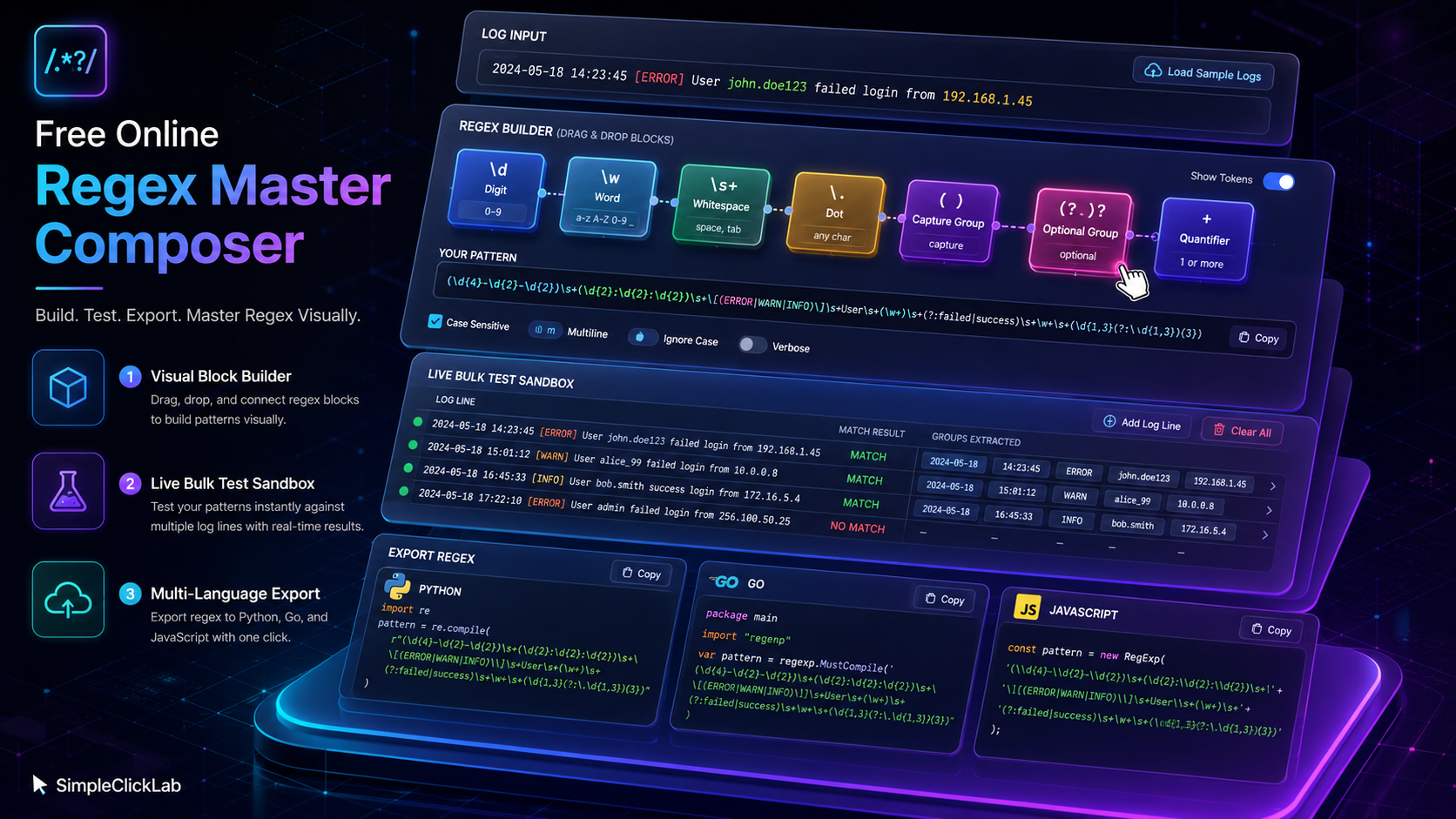
Free Online Apache Access Log Regex Generator
Create precise regex patterns for Apache/Nginx logs with a free online regex maker, featuring bulk testing and multi-language export support.

Best Free Online Regex Composer & Generator 2026
Discover the top free online regex builder in 2026 with visual blocks, human-readable translations, and multi-language export for engineers and learners.
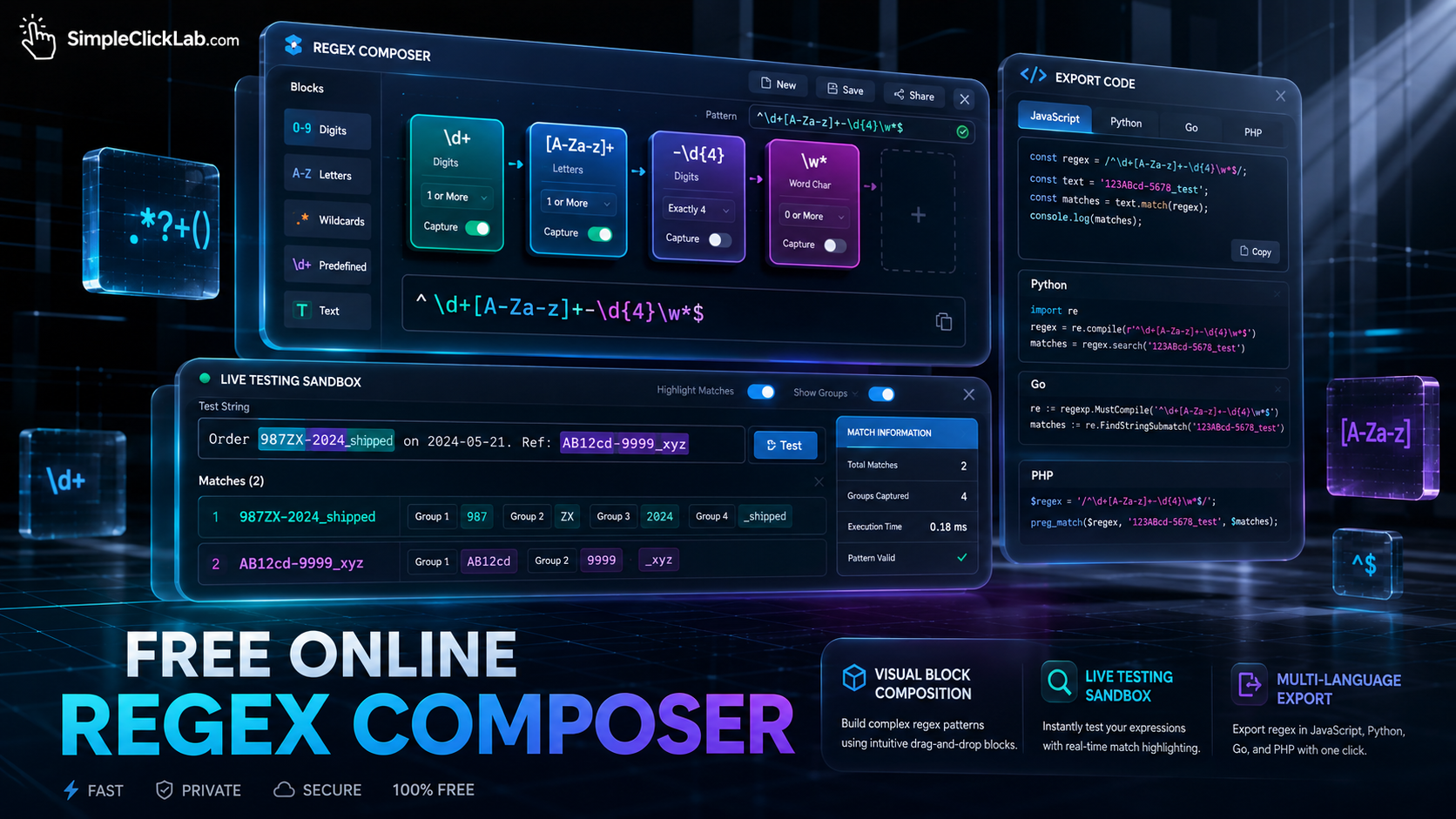
Free Online Regex Builder with Visual Blocks
Build and test regex patterns instantly with a free visual regex generator that exports code to JavaScript, Python, Go, and PHP.

Free Online Regex Master Composer
Build, test, and export regex visually with a drag-and-drop regex builder featuring live testing and multi-language export.